
Every server you run, in one calm window.
Termora is an SSH client for macOS, Windows and Linux. Your hosts, keys and sessions live in an encrypted vault on your computer, a click away in tabs and split panes.
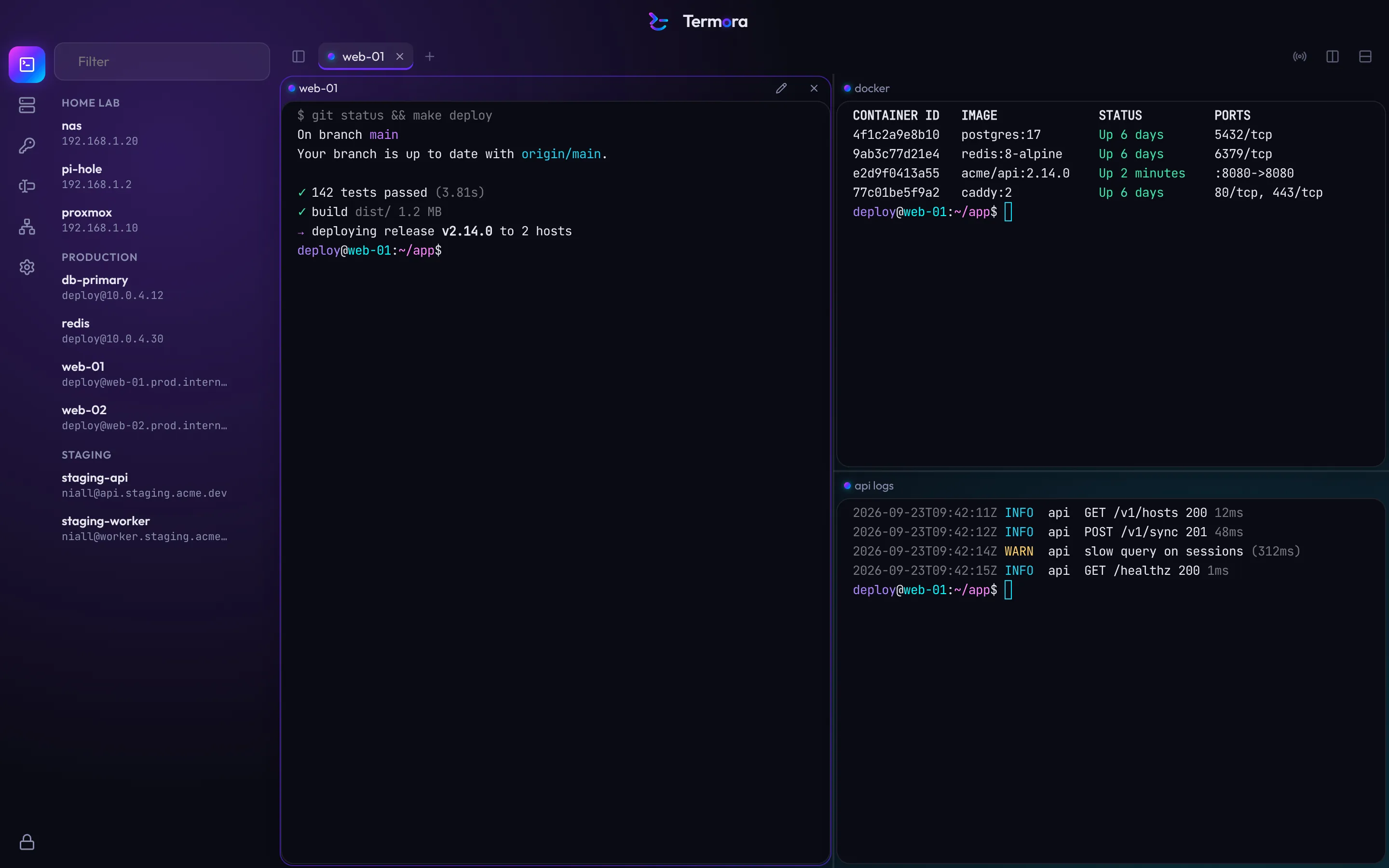
Split it however the job needs.
Open a host in a tab or beside the one you're in. Name each pane so you know which is which, type into all of them at once when you need to, and pick up where you left off after a restart.
- Split right
- ⌘DCtrlShiftE
- Type into every pane
- ⌘⇧ICtrlShiftB
- Find in output
- ⌘FCtrlShiftF
- Rename a pane
- ⌘⇧RCtrlShiftR
- New local shell
- ⌘TCtrlShiftT
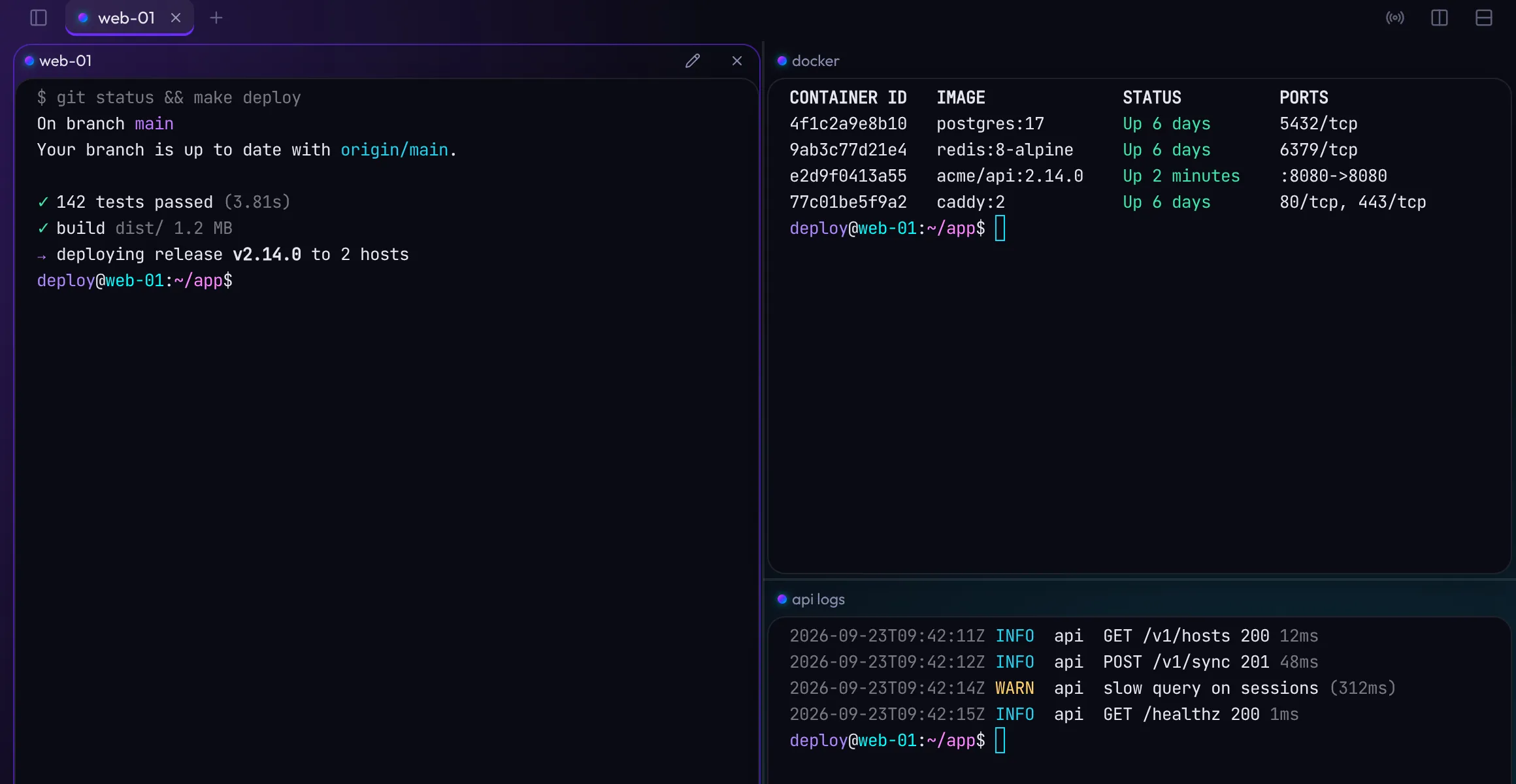
Set it once on the group. Every host follows.
Put hosts in groups and give the group an identity, port, jump host or terminal theme. Hosts pick those up automatically, and any host can override any one of them.
Try it: change the group's port or theme. Most teams give production its own colour, so a red window always means be careful.
- Identity
deploywith the ci-deploy key- Port
Encrypted before it touches the disk. Hostnames too.
Many clients encrypt your passwords and keys but leave names and addresses readable. Termora encrypts every record, so a copy of your vault file reveals nothing about your infrastructure.
- 1Your master password
Never stored and never sent anywhere.
- 2A slow, memory-hard key
Turning your password into a key is deliberately expensive, so guessing it is too.
- 3Your vault key
Random, unique to your vault, and only ever unlocked in memory.
- 4Sealed records
Every item is encrypted on its own with modern authenticated encryption, so any tampering is caught.
One saved host, as it sits on your disk
9f2c 71ae 0b4d e83f 5a61 c9d0 7e12 44b8 a3f6 0c9e 2d57 b1a4 68ef 13c0 d95b 7a28 f041 6ce3 8b1d 52a9 e7c4 309f 1bd6 84e2 af73 c518 06bd 3e9a 72f5 d460web-01, deploy@web-01.prod.internal:22, in Production, tagged nginx and eu-westWithout your password, a copy of your vault is noise. Names, addresses, users, tags and keys are all inside the encrypted part.
- Secrets stay sealed away
- Private keys and passwords are only unlocked, out of reach of the interface, at the moment a connection needs them, then wiped from memory.
- Changed host keys are blocked
- If a server's fingerprint changes, Termora stops and shows you the old and new keys side by side. There is no one-click way past it.
- It locks itself
- After a period of inactivity, when your computer sleeps or when the screen locks. Everything decrypted is cleared on lock.
- No account, no network, no problem
- Everything works offline. Nothing about your servers leaves your computer unless you turn sync on later.
- Errors that tell you what to do
- Timeouts, refused connections and bad passwords get a plain explanation and a next step, not a stack trace.
- Built for keyboards and screen readers
- Every control is reachable from the keyboard, every shortcut can be remapped, and there are high-contrast themes for the app and the terminal.
Make it look like yours.
Pick an accent and the whole app follows: the glow behind your windows, the wordmark, status lights and even the cursor. Then choose light or dark, and one of twelve terminal themes or your own.
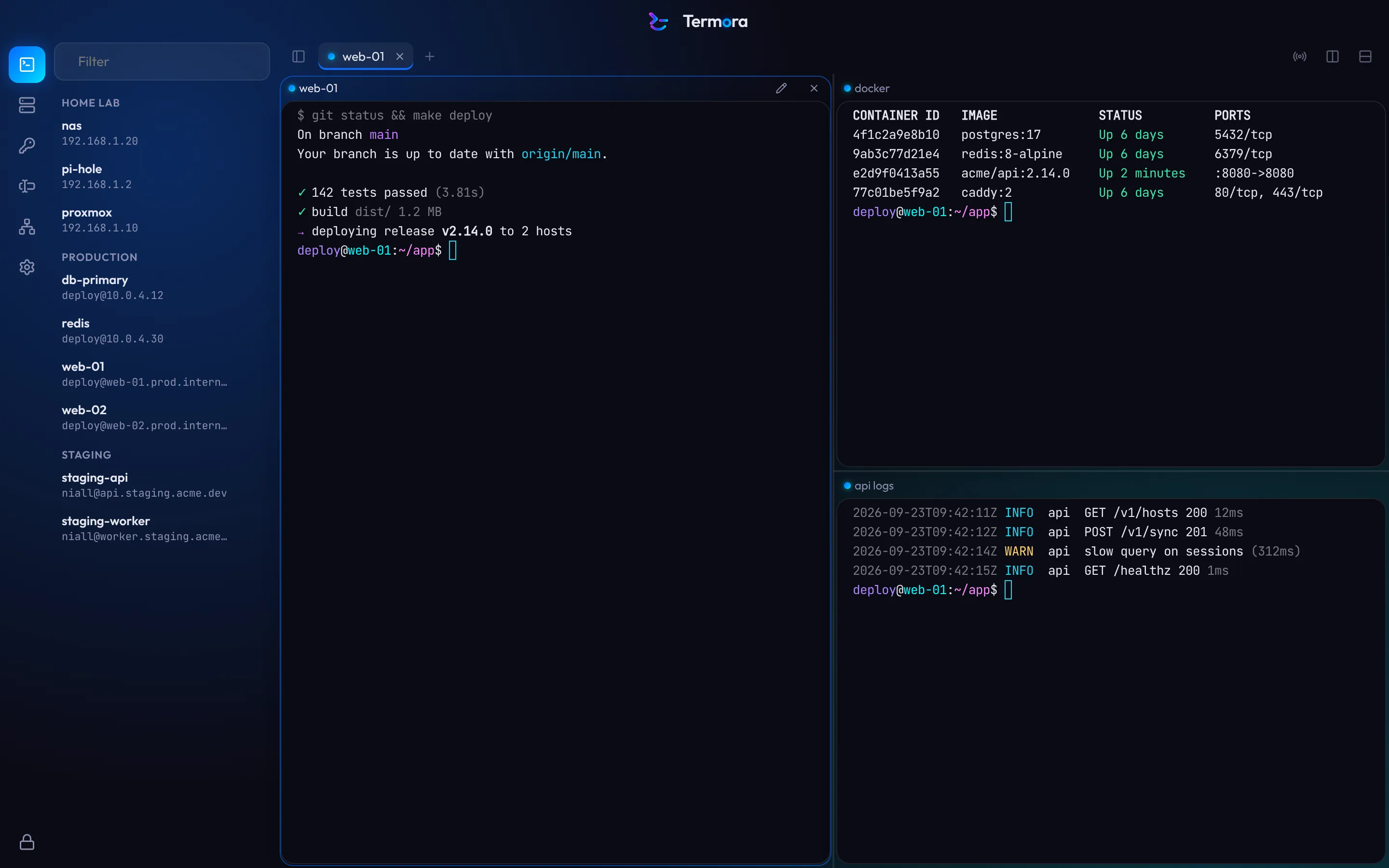
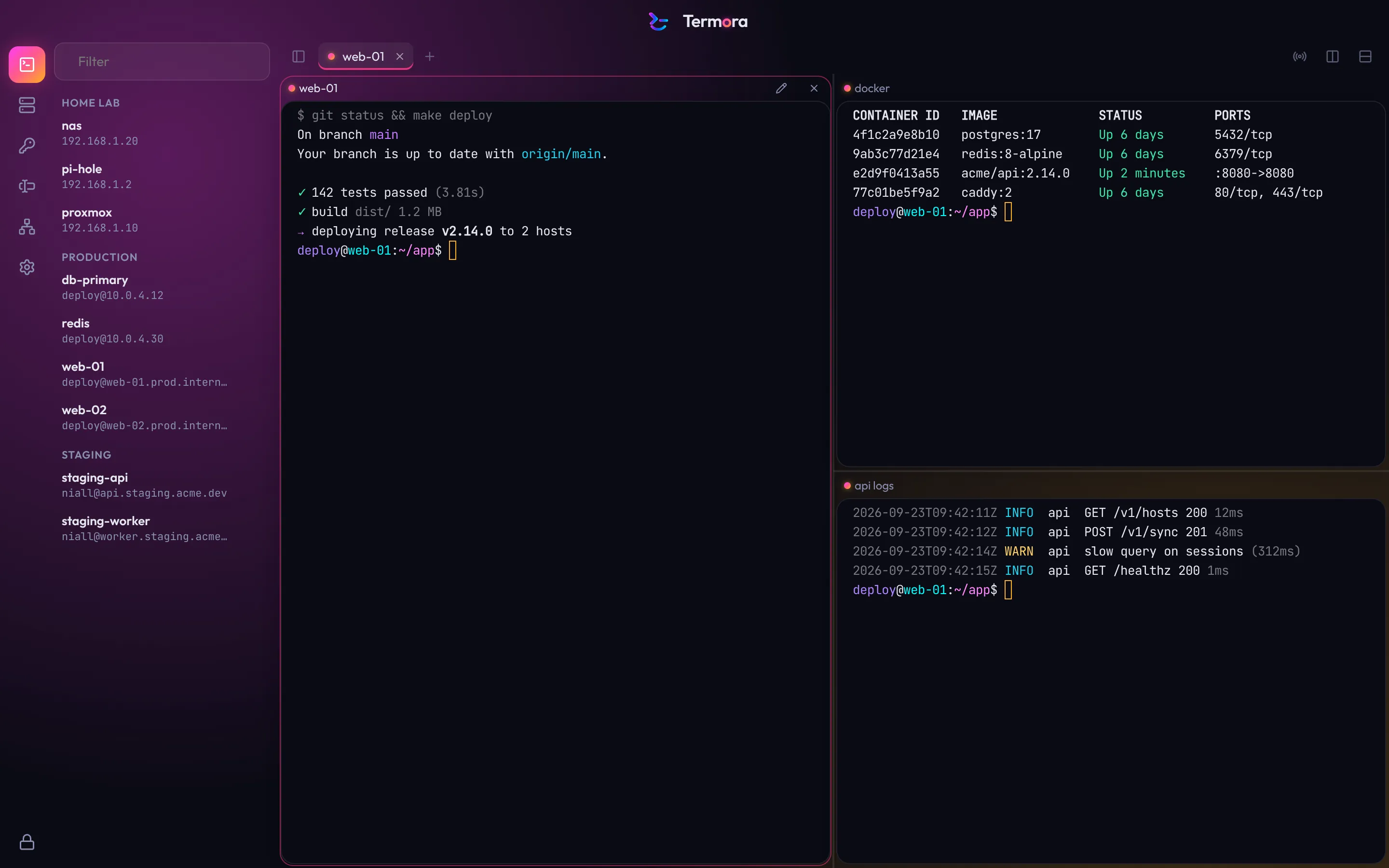
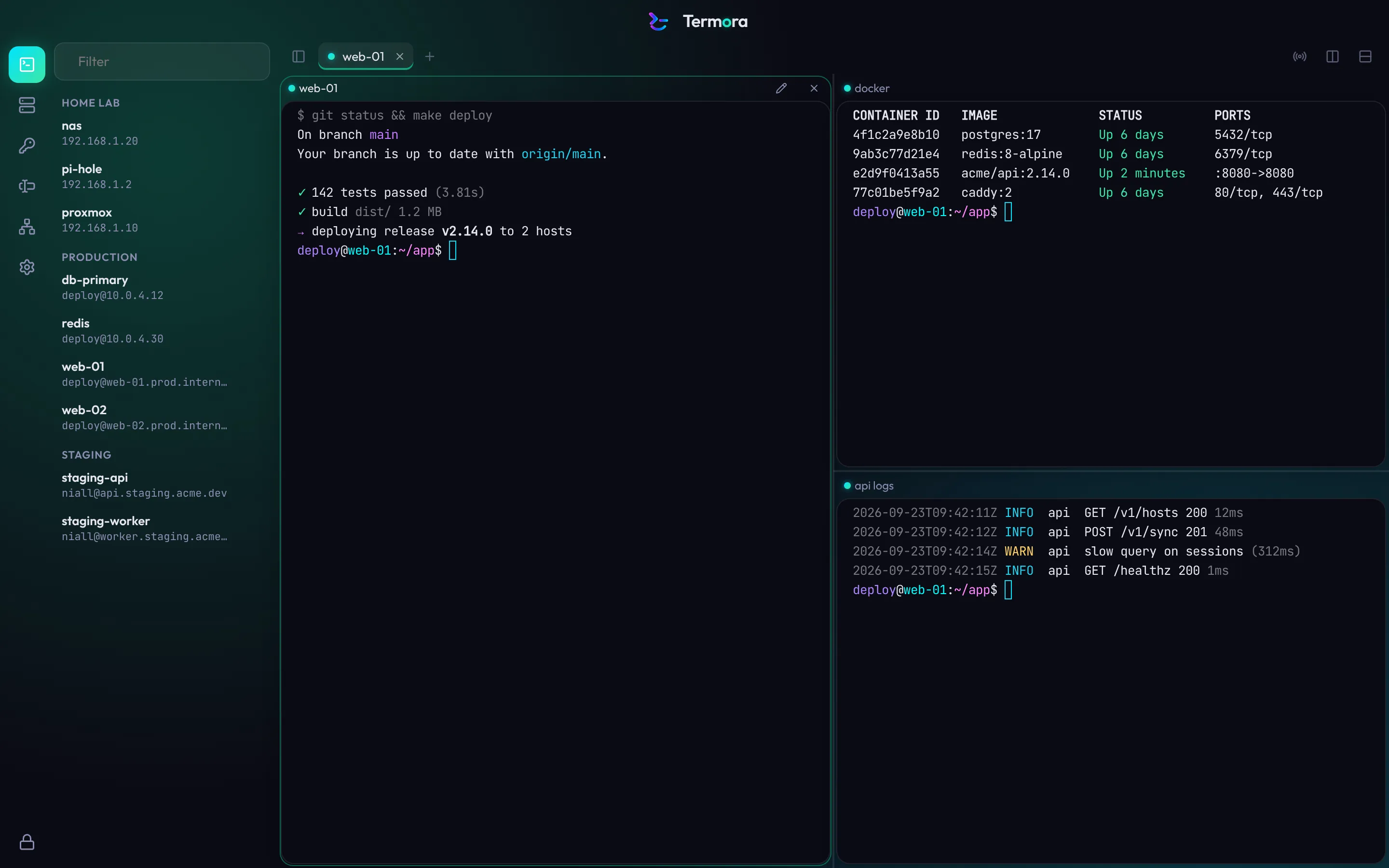
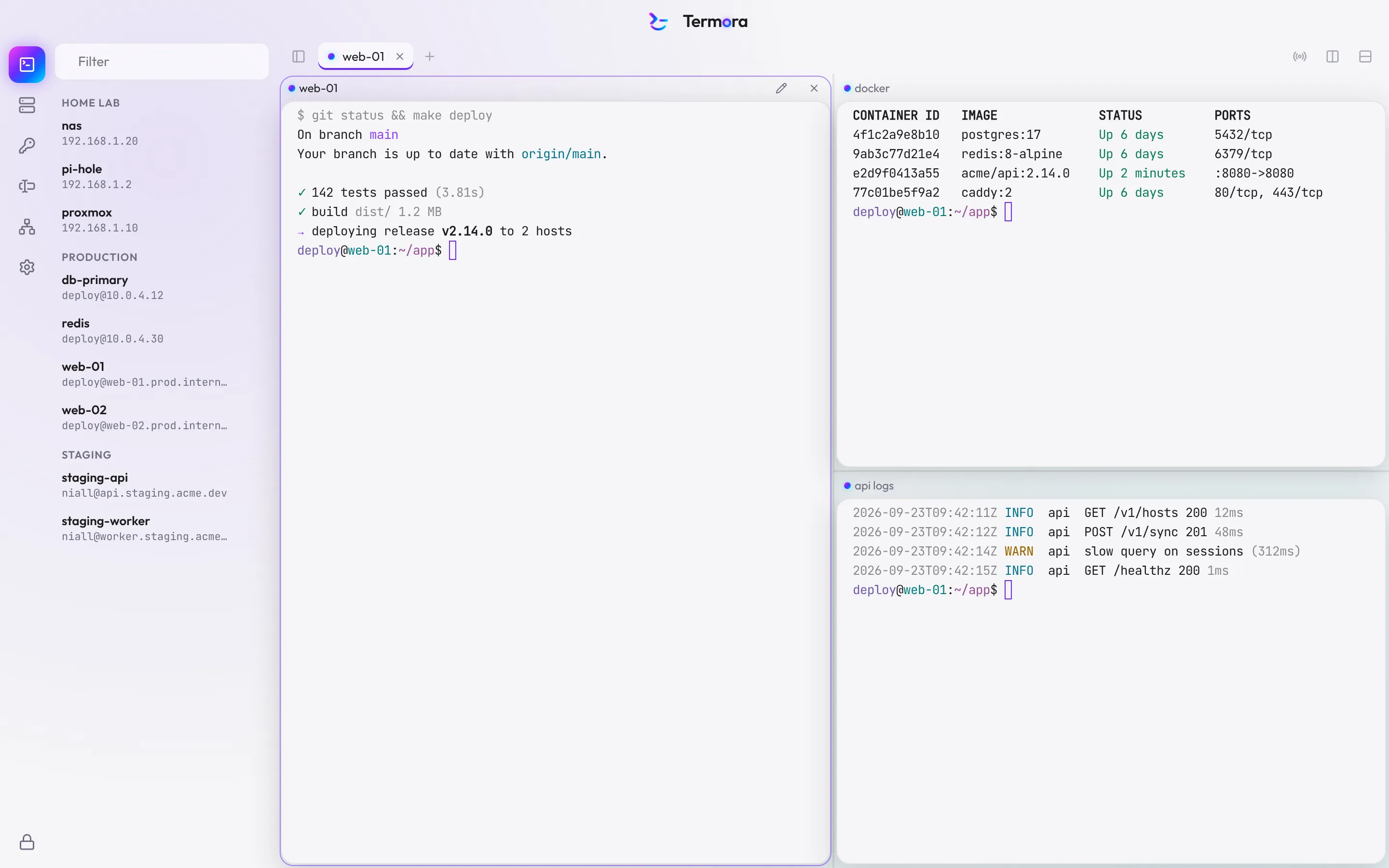
- Termora Dark
- Termora Production
- Termora Light
- Dracula
- Nord
- Catppuccin Mocha
- Solarized Dark
- Solarized Light
- Tokyo Night
- One Dark
- High Contrast Dark
- High Contrast Light
From install to your first session in under a minute.
- 1
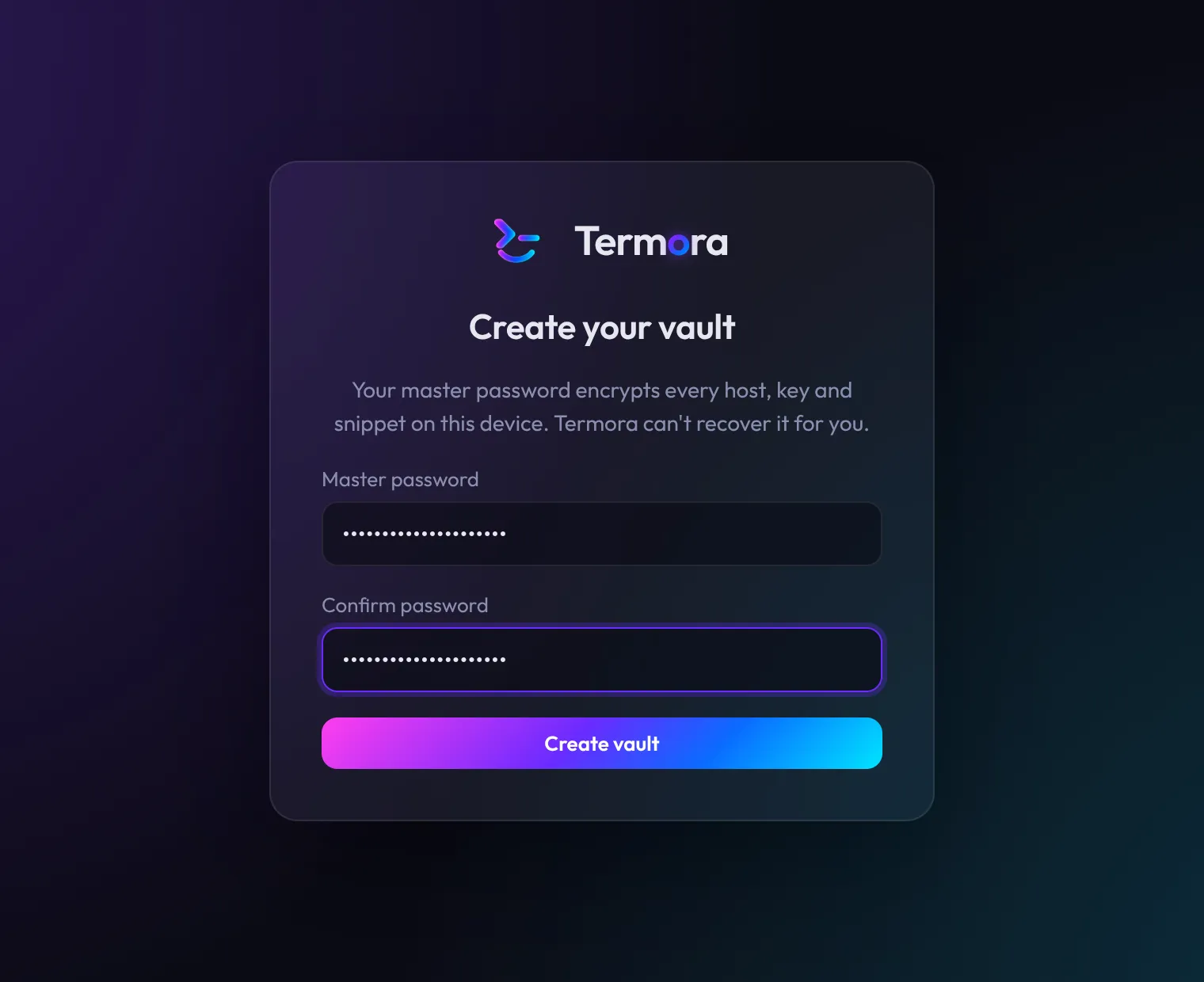
Choose a master password
It encrypts everything you save. Termora never stores it and has no way to recover it.
- 2
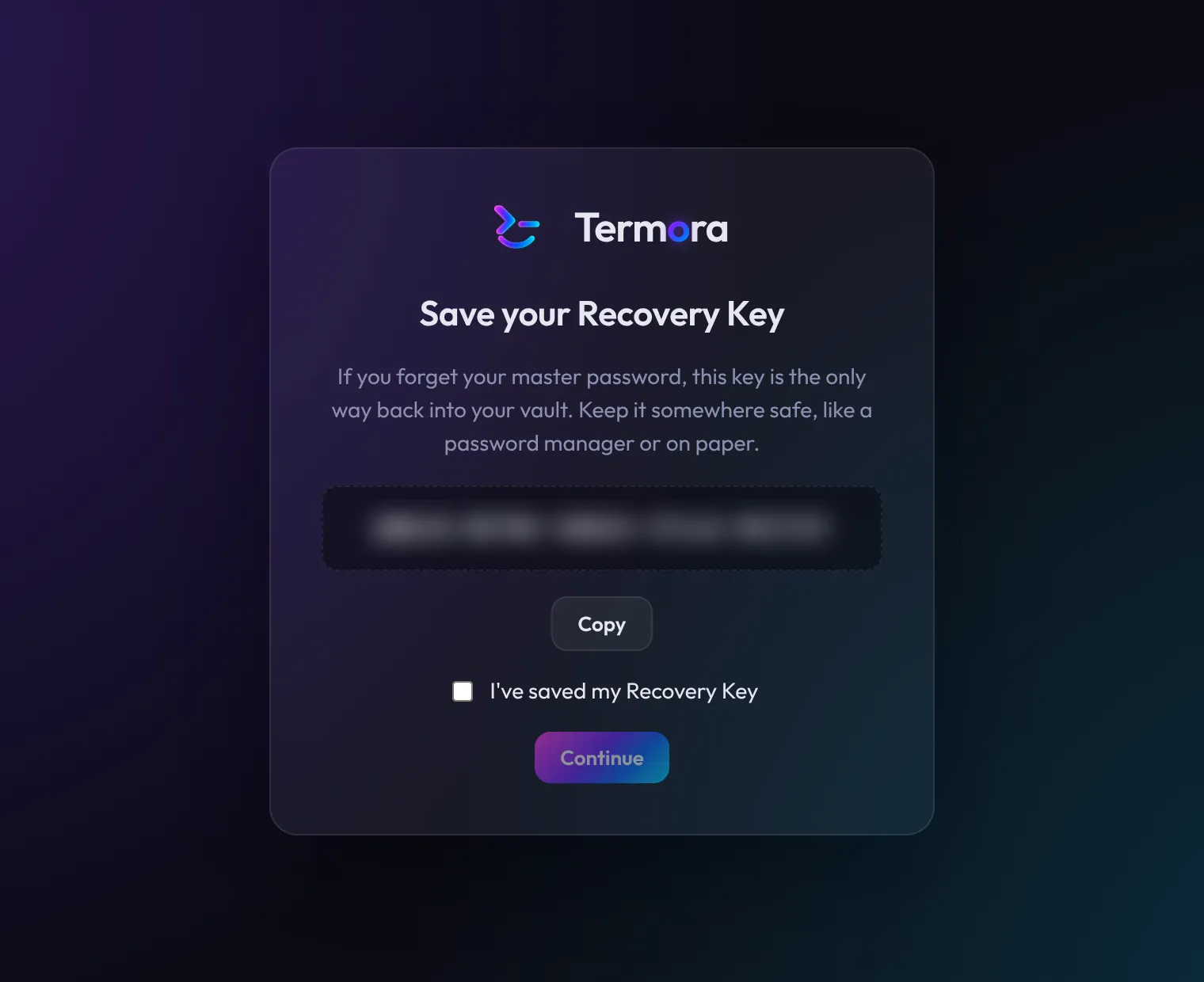
Keep your Recovery Key
A one-time key for the day you forget your password. Print it or put it in a password manager.
- 3
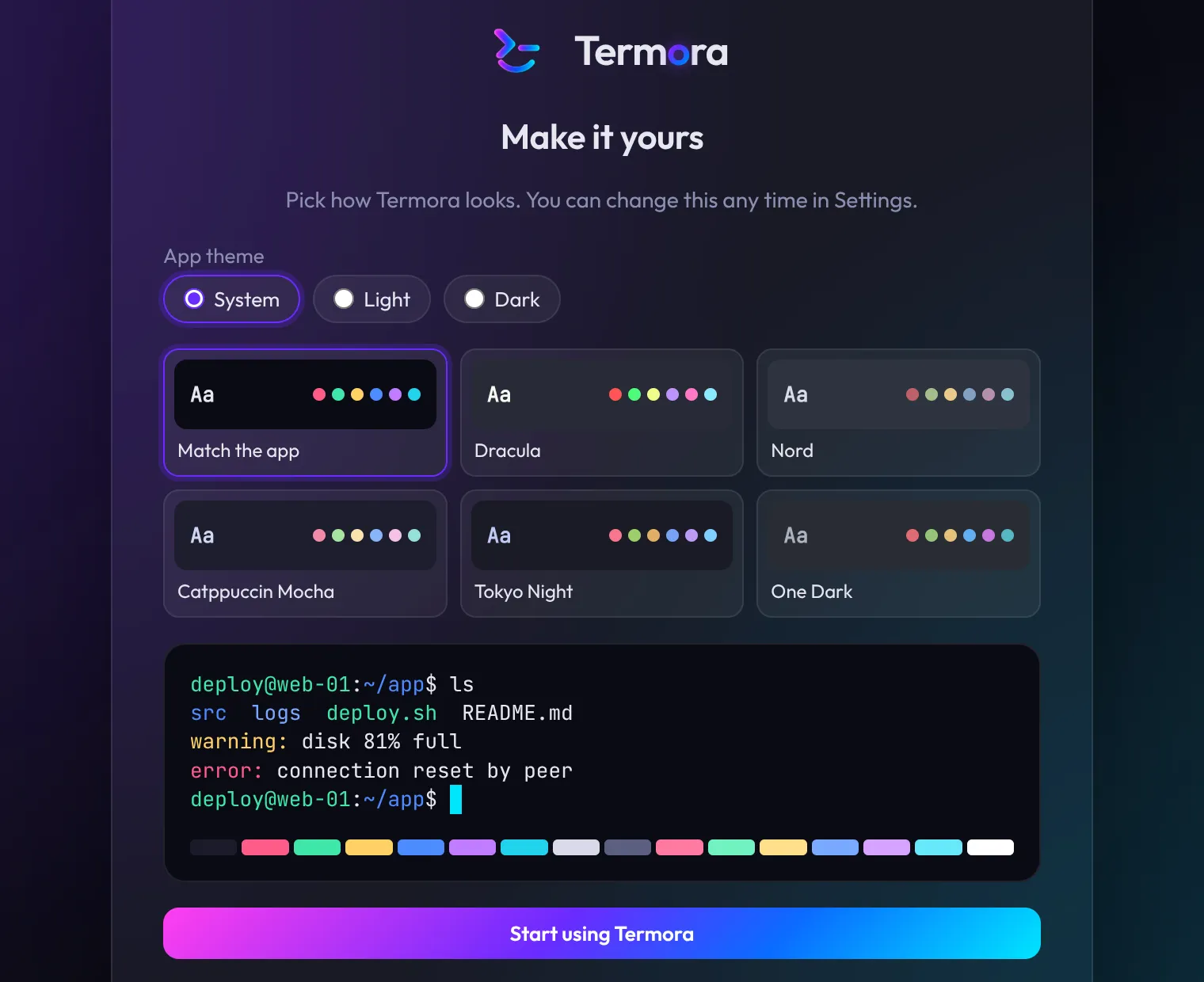
Pick a look and start
Choose light or dark and a terminal theme, then open your first session.
Be first in when the beta opens.
We're letting people in platform by platform. Leave your email and we'll write once, when it's your turn.